
Uncropped 1080p Studio InterfaceZero UI Clipping
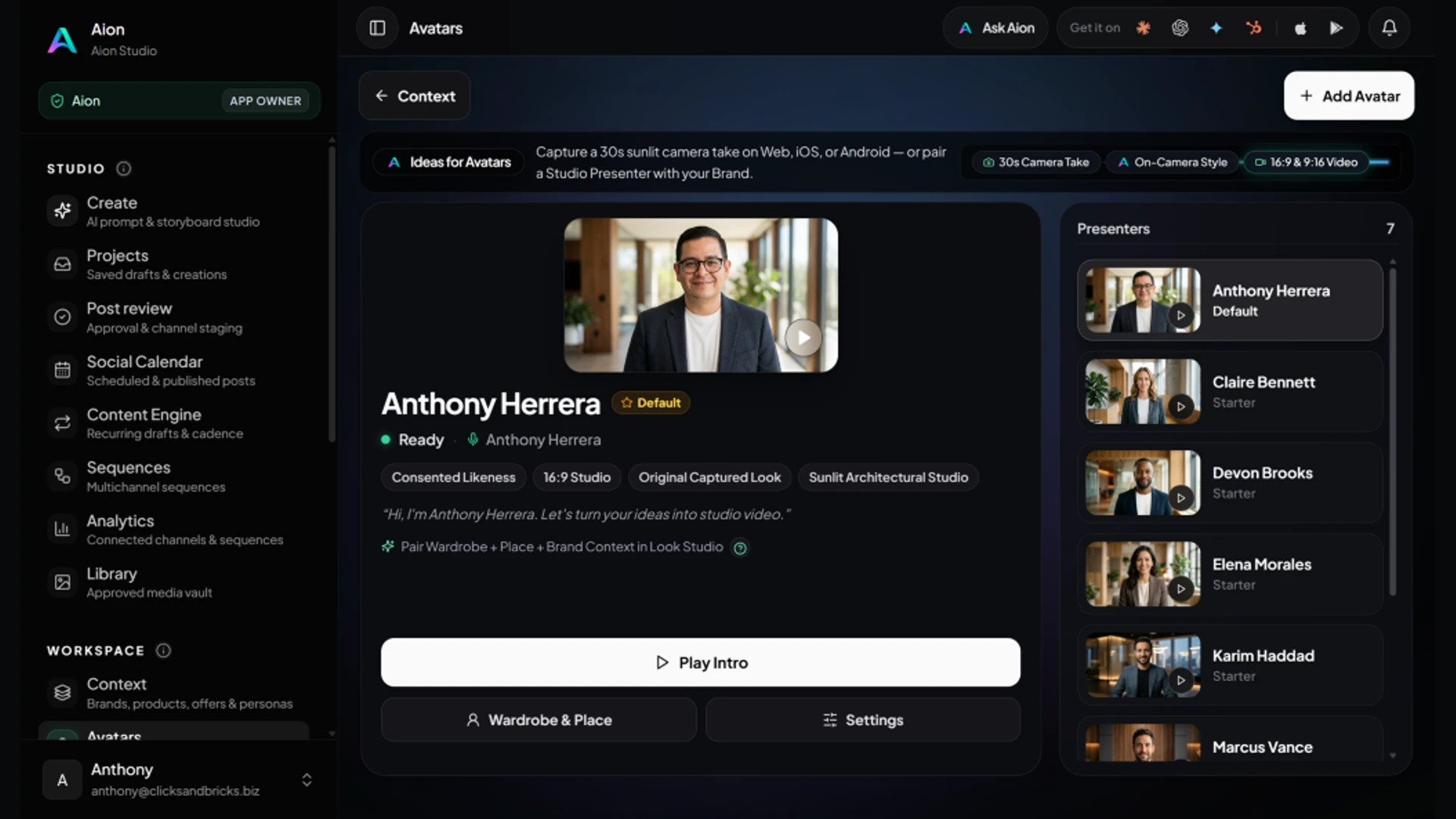
Full app navigation & studio workspace kept sharp16:9 · 9:16 · 4:5 · 1:1
Capture your screen and circular camera bubble right in the browser at $0 generation cost with zero extensions—or turn silent screen recordings into narrated 1080p walkthroughs and multi-part training videos you never have to re-shoot from scratch.

Four Integrated Capabilities
Record your screen and camera right in Chrome, Edge, Safari, or Arc—no browser extensions or downloads required. Move your circular camera bubble between Bottom Left, Bottom Right, Split Stage, or Screen Only live while recording, double-check which tab or window you’re sharing before the 3-second countdown, pause anytime, and save straight to Aion or download an MP4.
Already have a silent screen recording—or working inside Claude, ChatGPT, or Gemini? Drop the clip into Aion and let it frame crisp 1080p screens and gently zoom in on key buttons and menus automatically, with zero timeline editing.
Never chop off sidebars or tables again. Add your own voiceover or an included Studio presenter, clean up room echo automatically, and burn easy-to-read captions onto full 1080p screens—with upfront credit quotes shown before any optional AI voice or presenter render.
One changed button shouldn’t force you to re-record a 5-minute walkthrough from scratch. Build multi-part customer onboarding or team training videos with consistent branding—and when a step changes next month, update just that single scene while the rest of your video stays untouched.
Share walkthroughs on expiring 24h, 3d, or 7d buyer preview pages with zero viewer login required—and revoke access in one click anytime.
Reframe any browser walkthrough or product demo across 16:9, 9:16, 4:5, and 1:1 placements inside Projects and stage 7-channel social drafts.
Embed revocable walkthrough cards in 1:1 Gmail/Outlook emails, HubSpot 4-Object records, or Paid Pro ($99/mo) Sequences with Fast-Forward Test Run.
Every workspace includes unlimited real camera and browser screen capture within your storage tier, revocable share pages, and human-approved multi-channel staging. Nothing publishes or spends credits without your click.