I built Aion because one useful founder thought should keep working after the week gets busy.
Founder-led softwareOne founder thought. A week of useful content.
0:10Founder postReady for review

Turn your website, ideas, and approved media into posts, images, carousels, and short videos—ready for your review.
No card required. Use your own media immediately.
Nothing publishes without your approval.
 Aion@aion · Founder POV
I built Aion because one useful founder thought should keep working after the week gets busy.
Showing the same Aion founder video adapted for LinkedIn as a founder post.
Image Remix and short-form media
Bring your own product photo, screenshot, brand image, or approved video. Aion can use it as campaign context, remix supported images to your direction, and help shape approved media for the channels you use.
Supported Image Remix starts from a specific source image and an explicit change request.
Preserve the product, subject, composition, or brand detail that should remain consistent.
Image revision history keeps the source and later versions available to accept, refine, or revert.
Image Remix and image revision history are available for supported workflows. Video creation shown here starts from an approved image; additional video revision options appear only when they are available for your workspace.
Illustrative campaign examples
Each example is shown in the placement it was designed for: organic feed, carousel, short video, or sponsored ad. The fictional campaign visuals below and the Aion founder capture were made in Aion. Product and channel framing is illustrative. None represents customer work, a published post, or performance results.
 Aion
Aion Northline Advisory

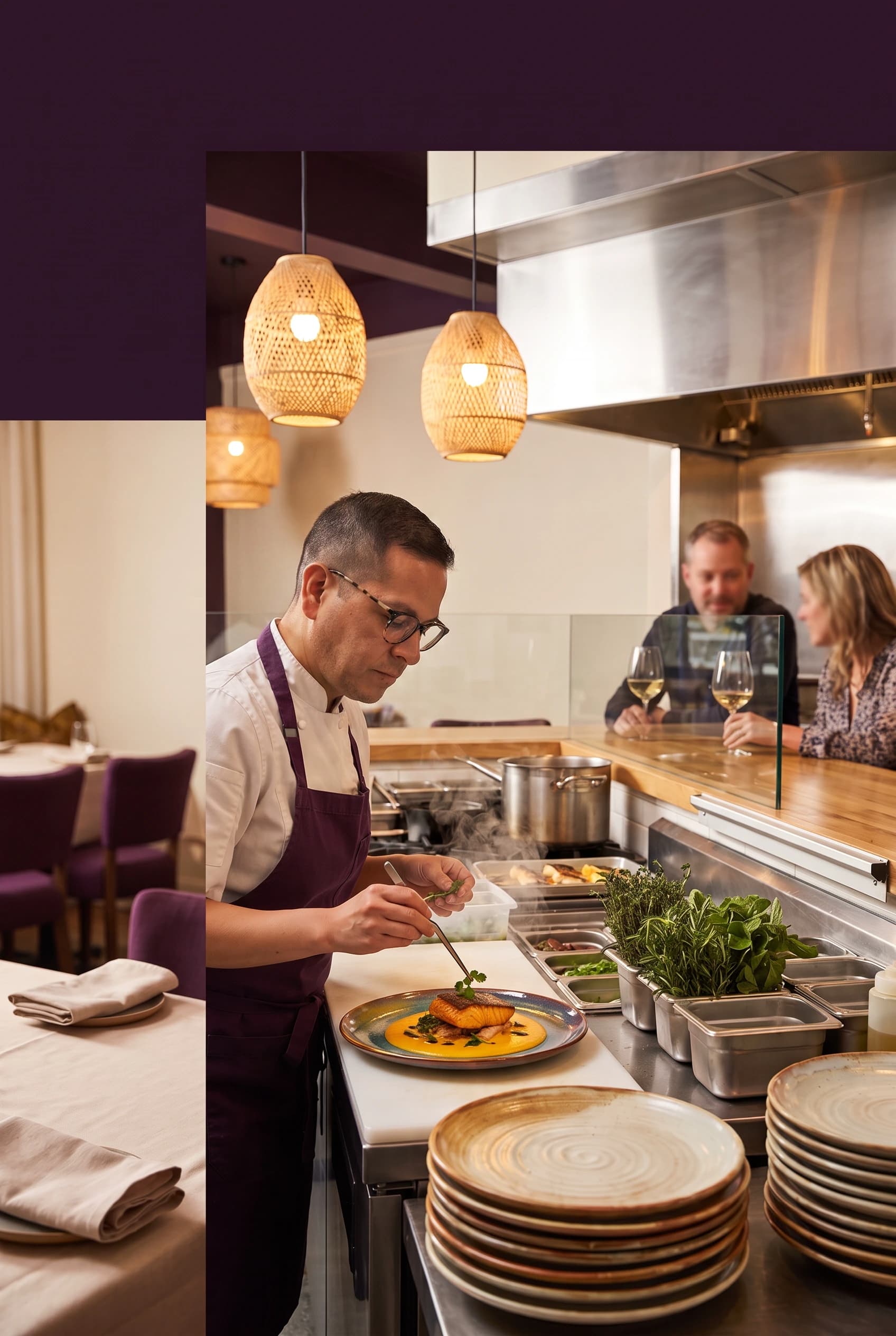





A home charger should not leave you guessing. We label the circuit, walk through the setup, and make sure you know exactly what is ready before we leave.




See how the first conversation works, what to bring, and where your questions fit.
Book a consultationFrom idea to an organized week
Aion does more than produce a single post. It prepares useful work, keeps the next decision visible, and separates content preparation from scheduled delivery.
Create with Aion
Describe what you need in plain language. Aion keeps the selected source, saved Context, and next decision together before any generation starts.
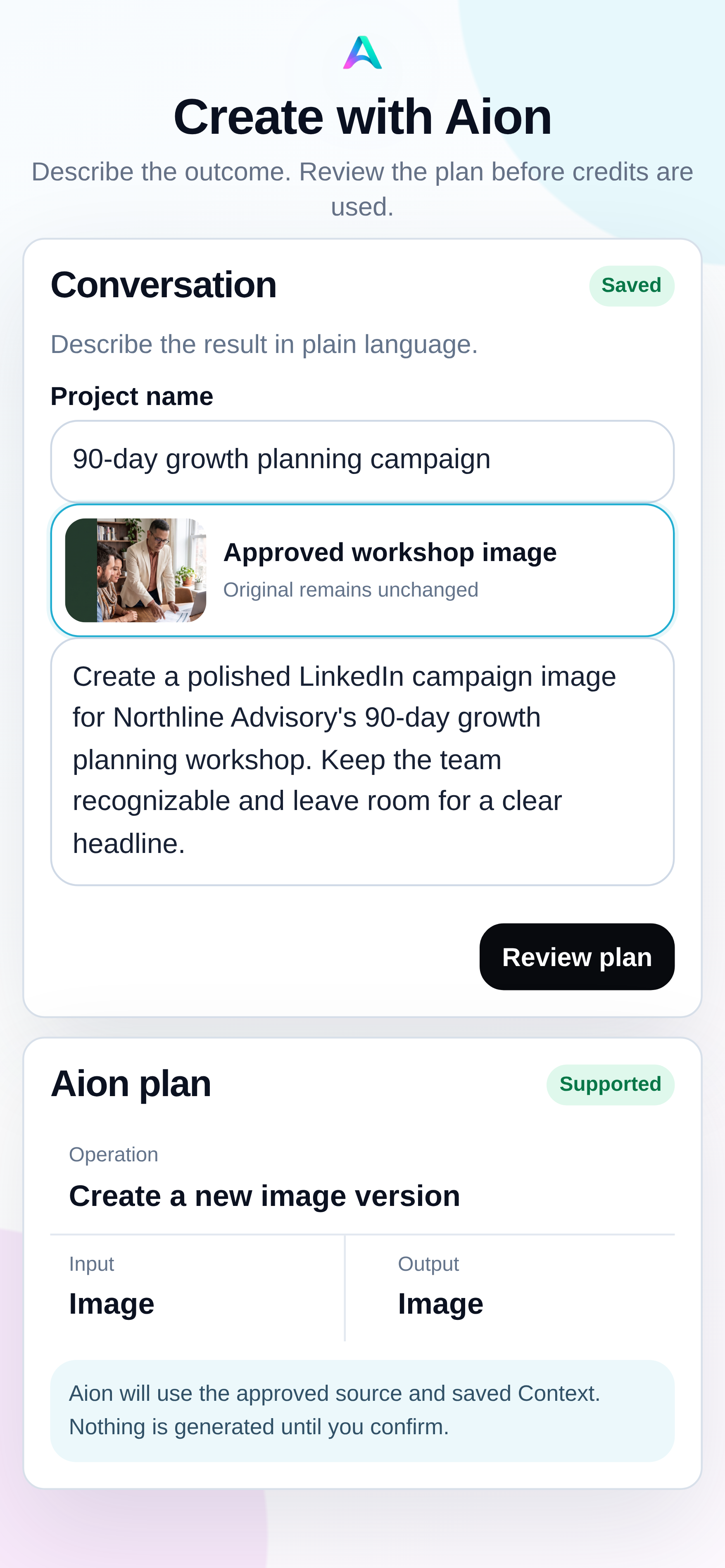
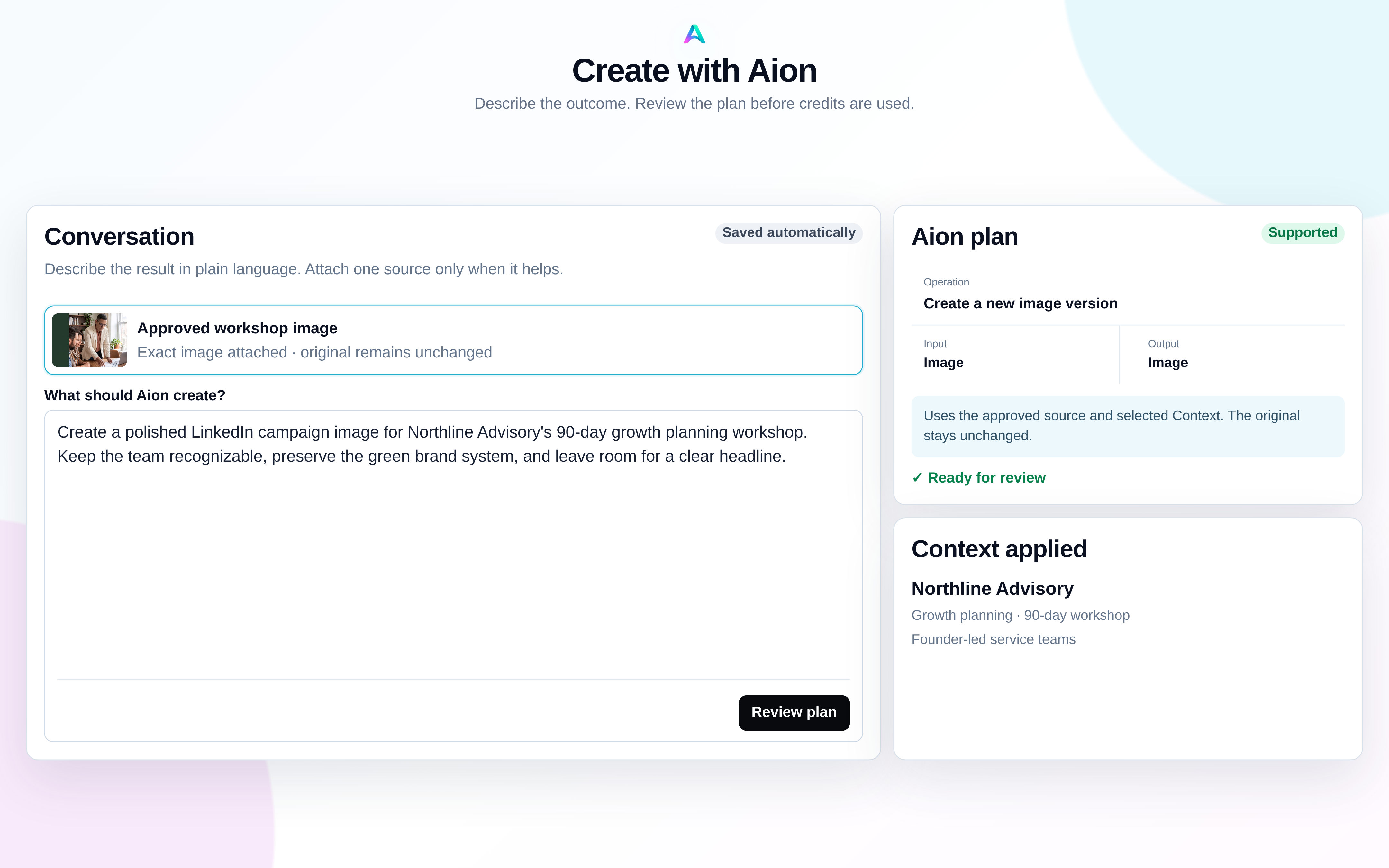
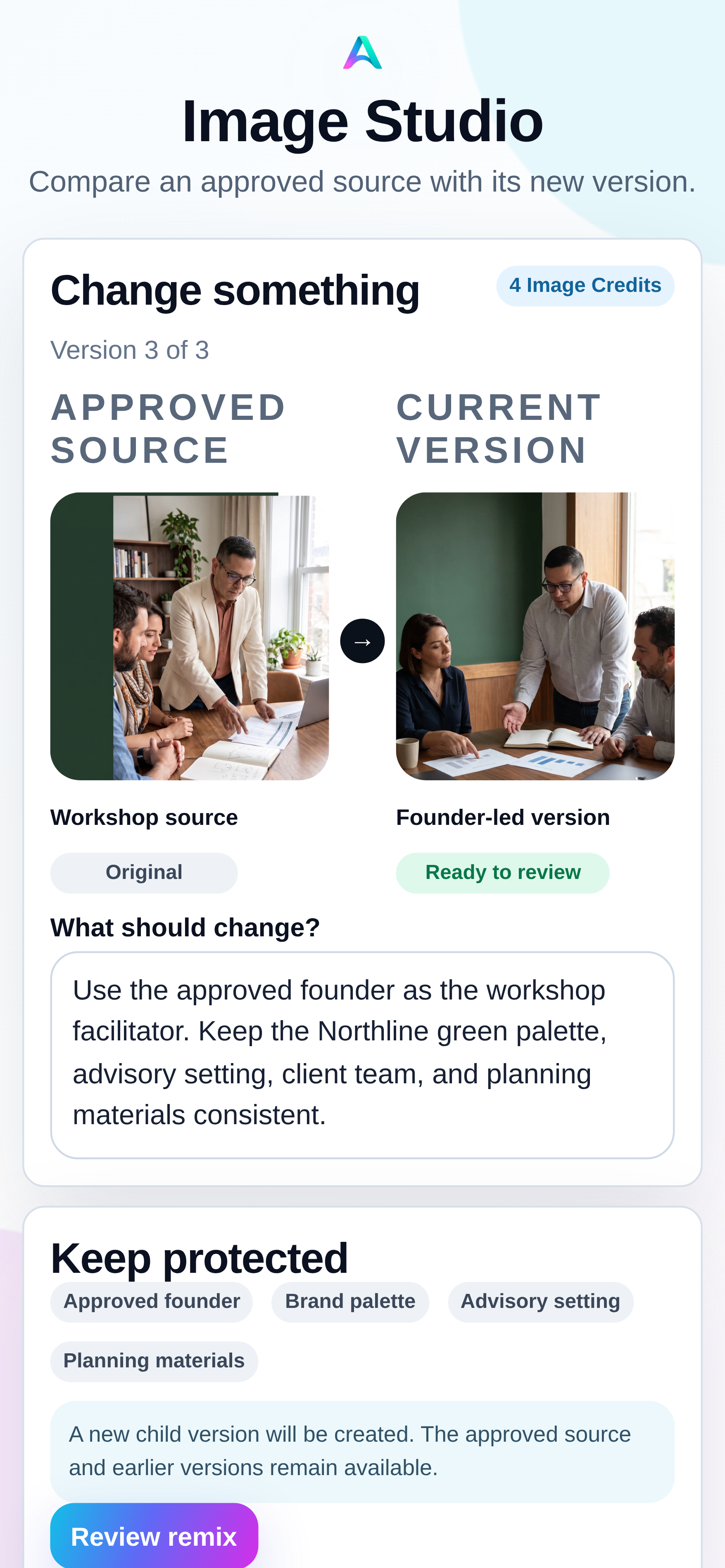
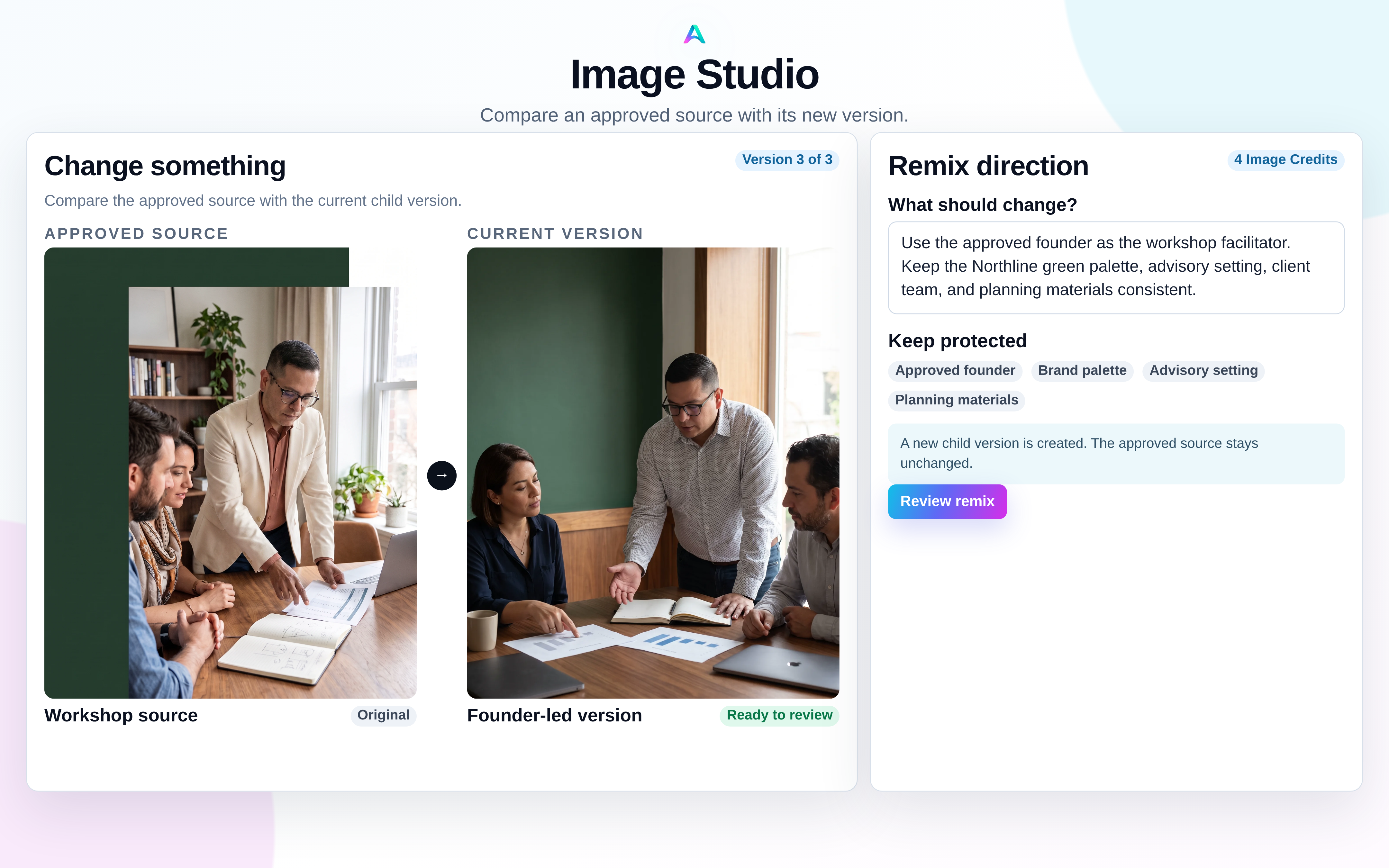
Image Studio and Remix
Create a child version from an exact approved image, protect the people and brand details that must remain true, and compare every useful version.
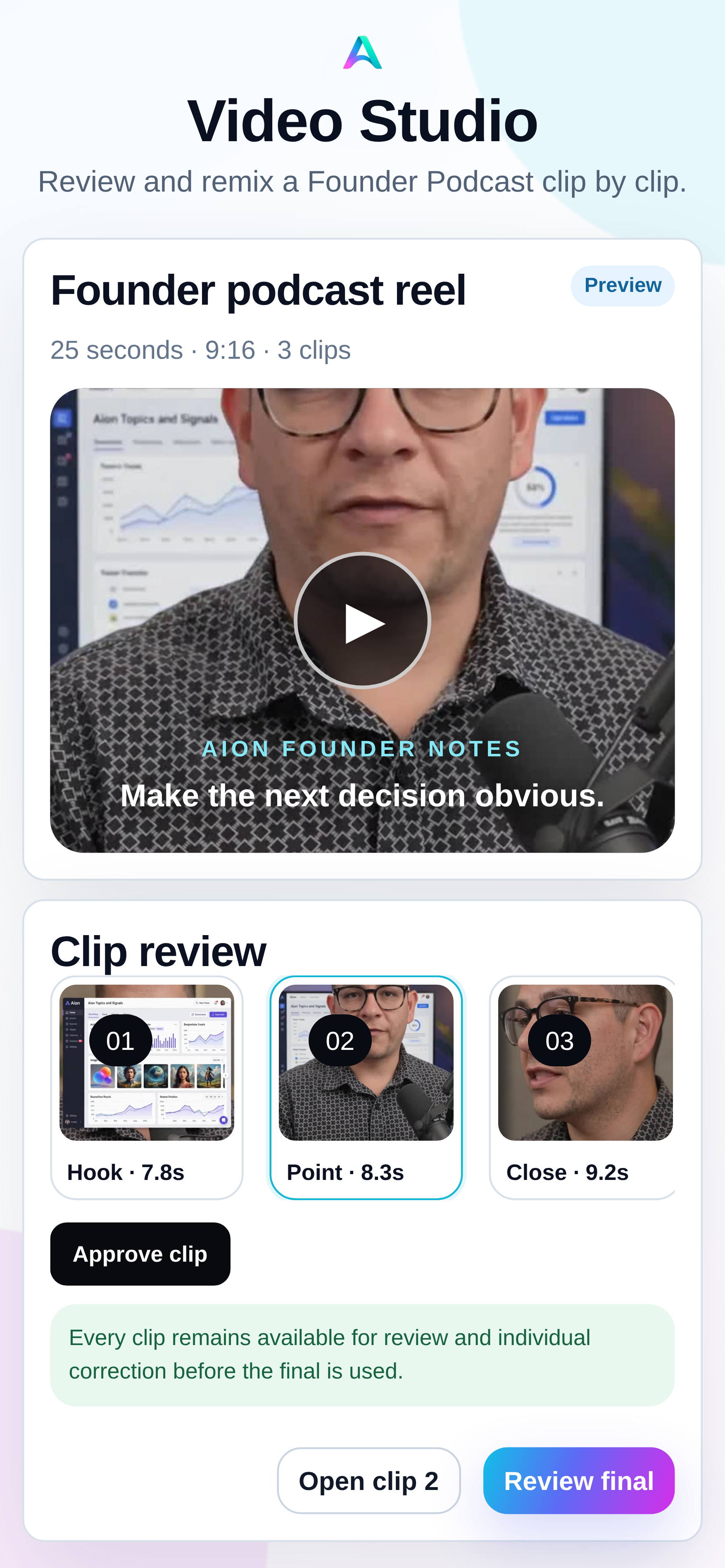
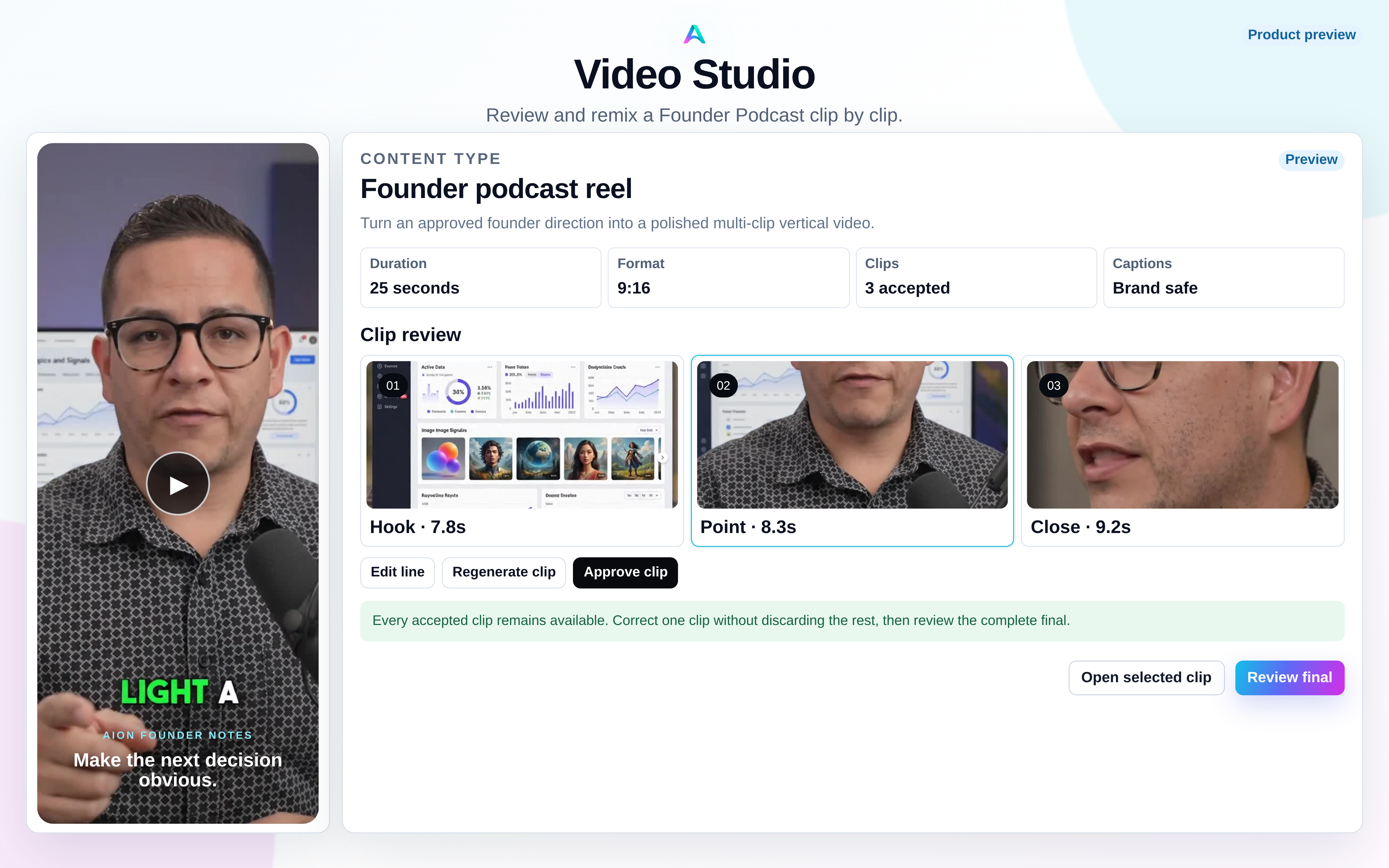
Video Studio · Product preview
A bounded preview keeps each accepted clip understandable and repairable while Aion assembles the reviewed result and deterministic caption treatment.
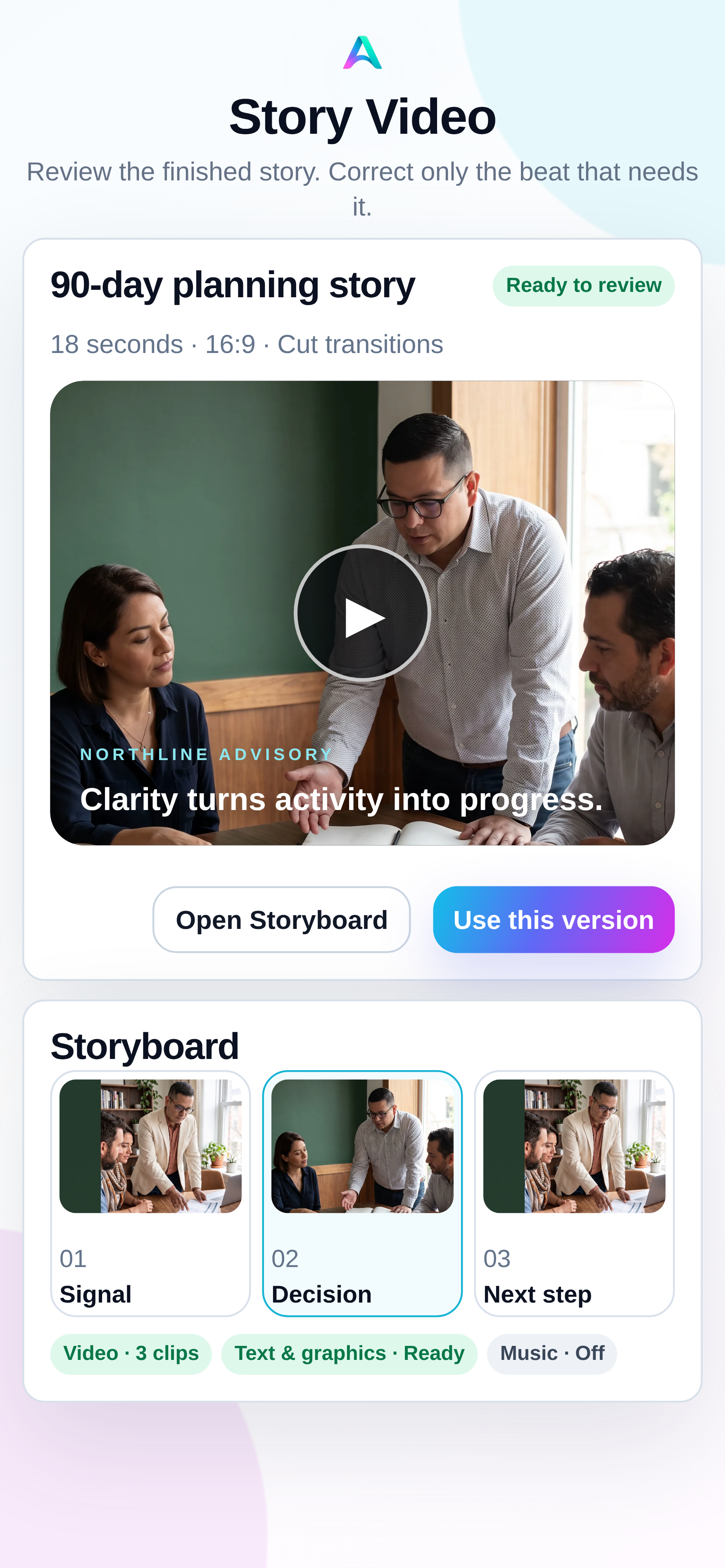
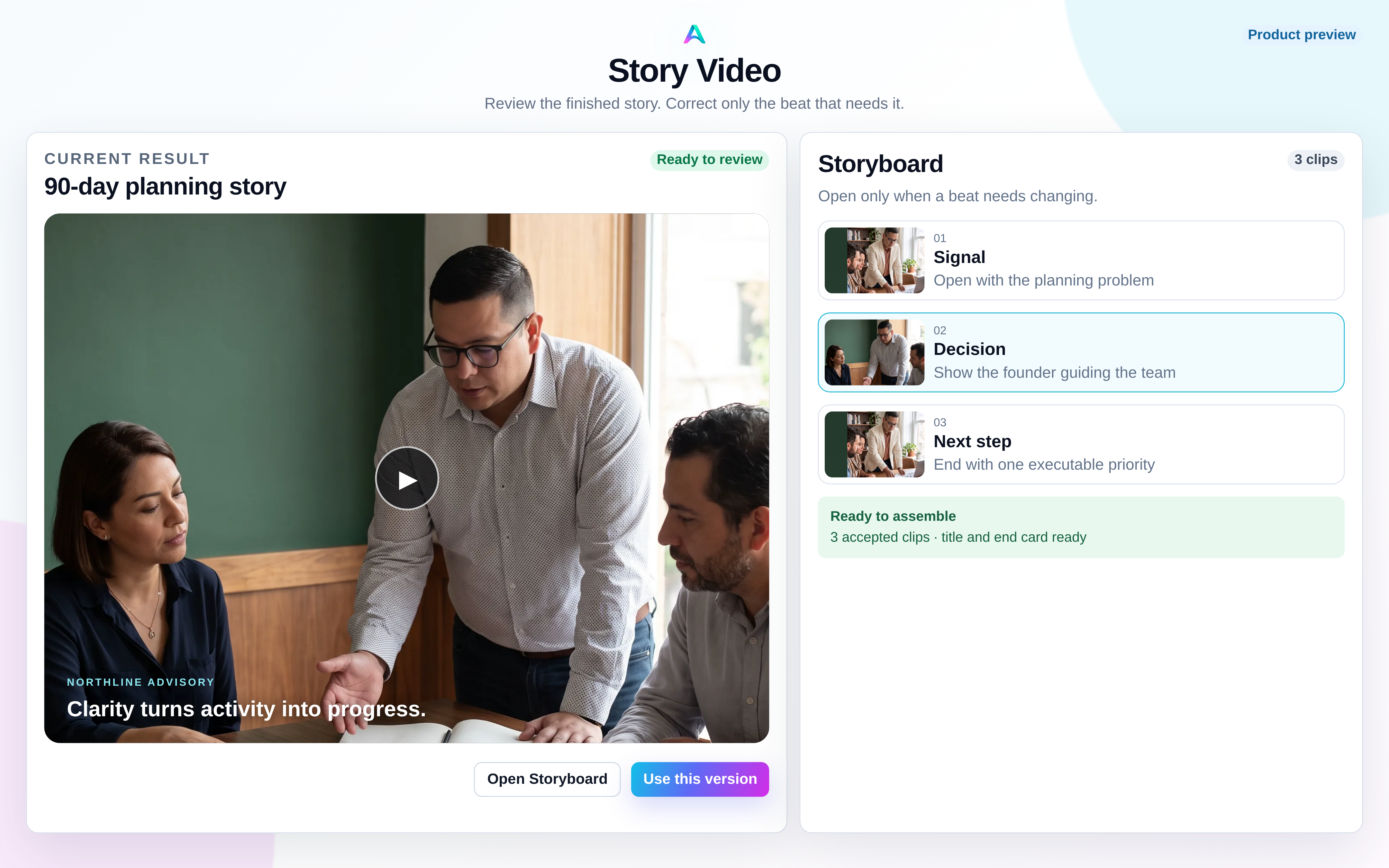
Story Video · Product preview
Story Video assembles approved media into one immutable result. Its optional Storyboard keeps the clips and deterministic layers visible without becoming a general-purpose editor.
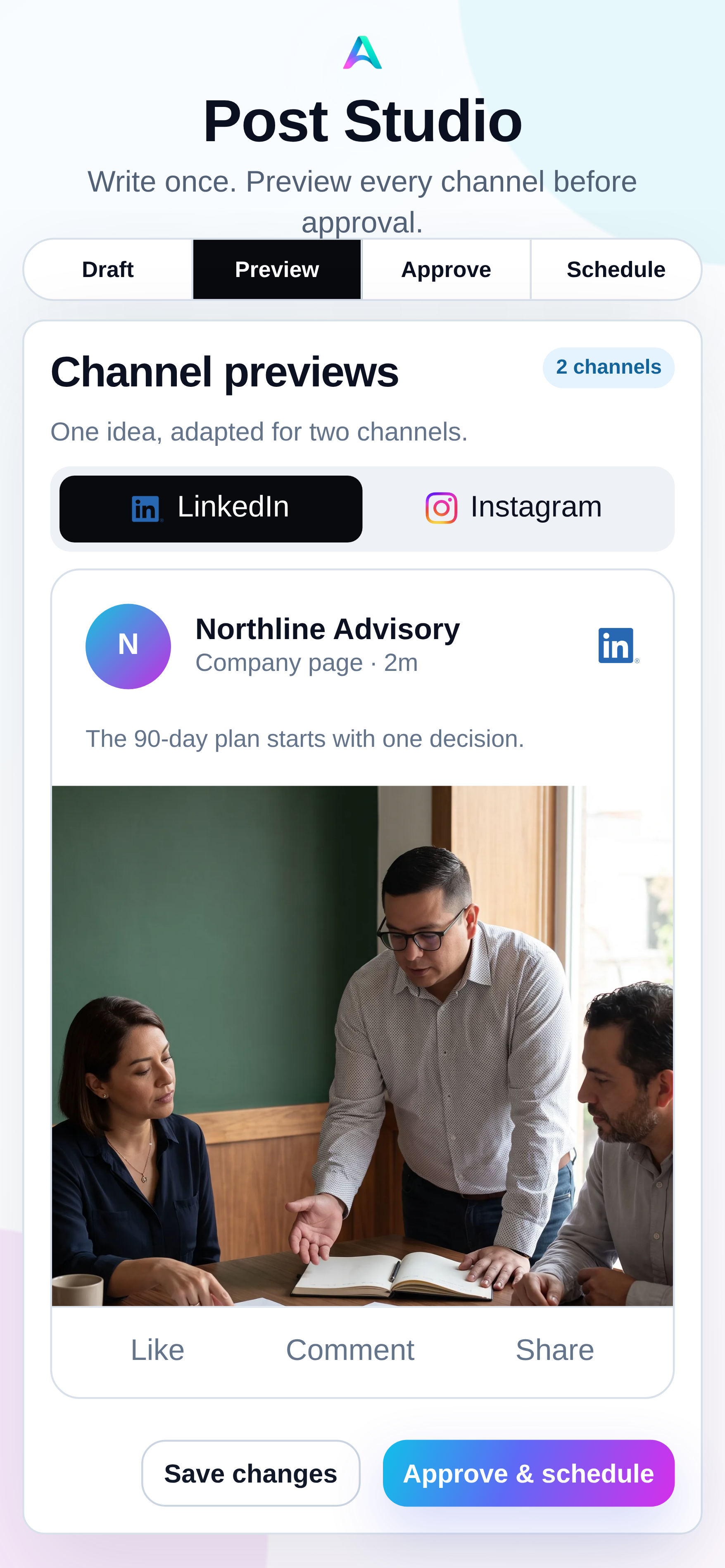
Post Studio and Inspiration
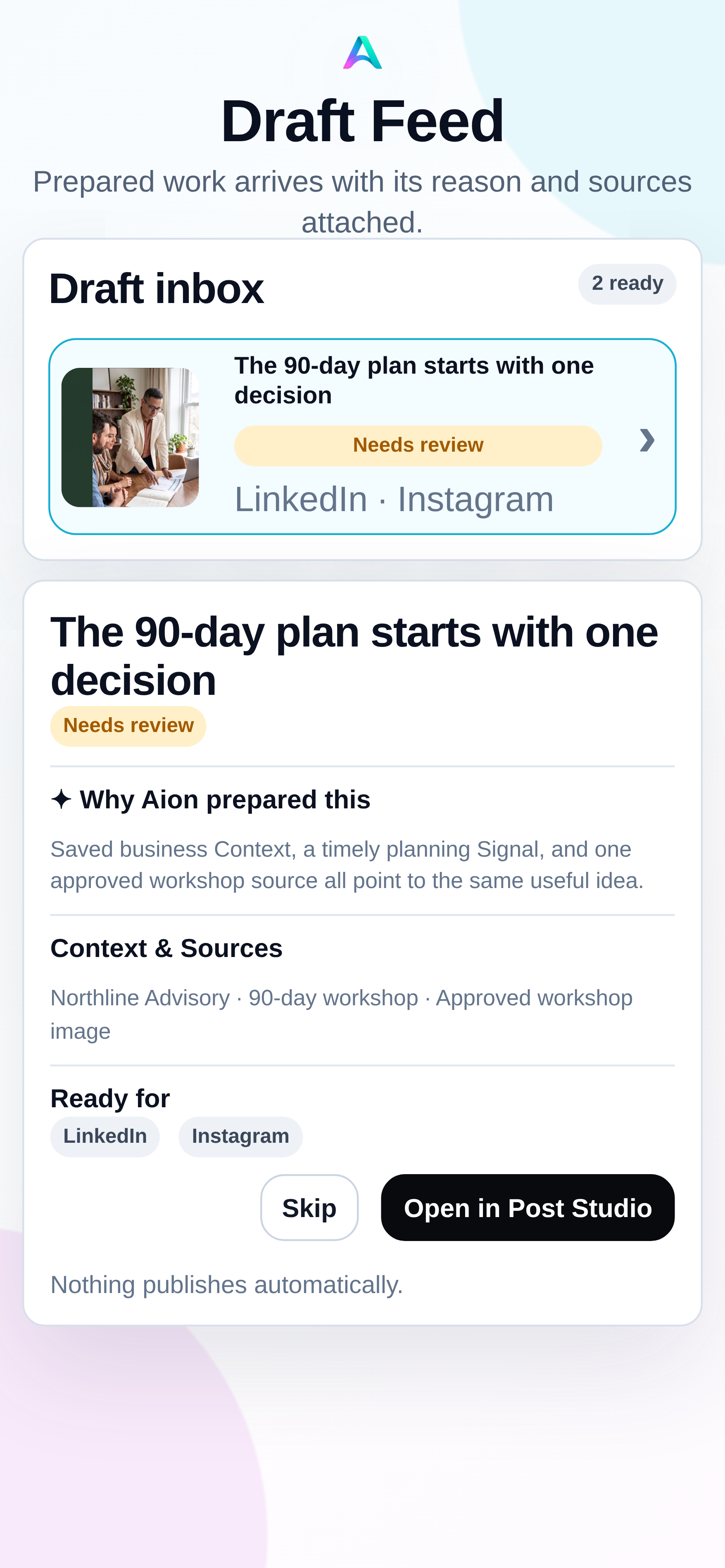
Turn a saved direction or useful inspiration into a post, then refine its copy, media, and channel previews in one reviewable workspace.
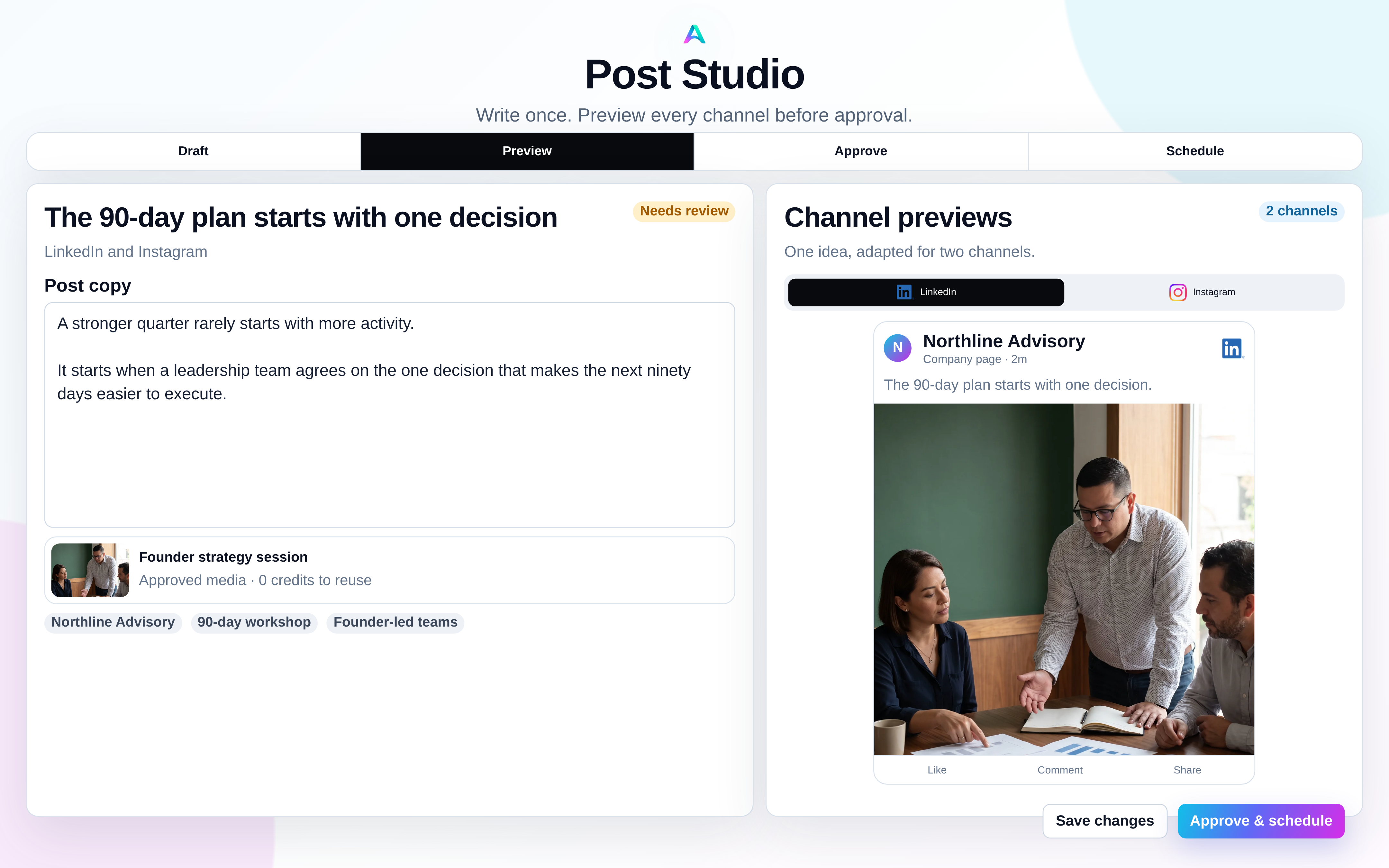
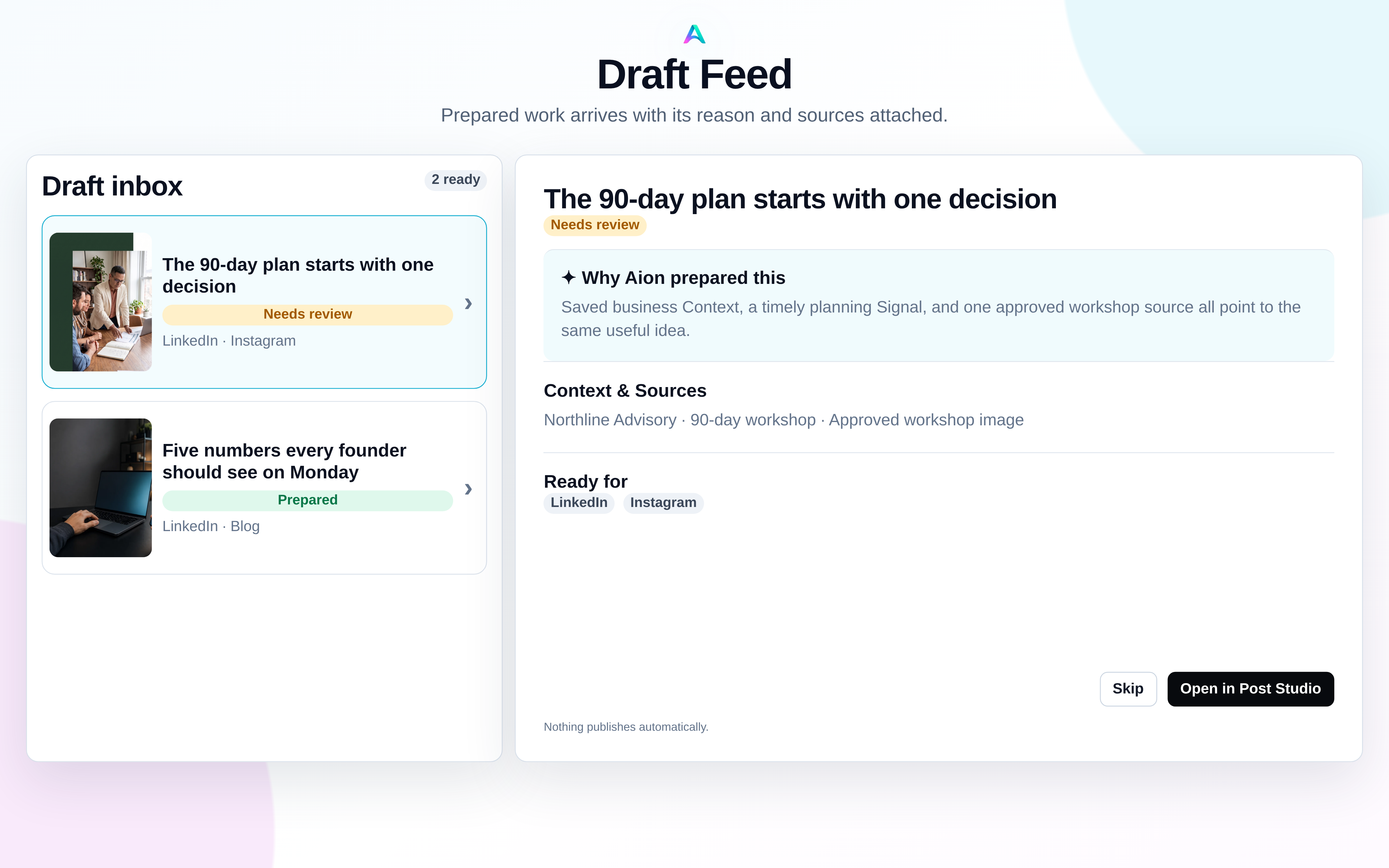
Draft Feed, Topics, and Signals
Pro preparation turns recurring Topics and fresh Signals into review-ready work with the selected business Context, opted-in Sources, and target channels attached.
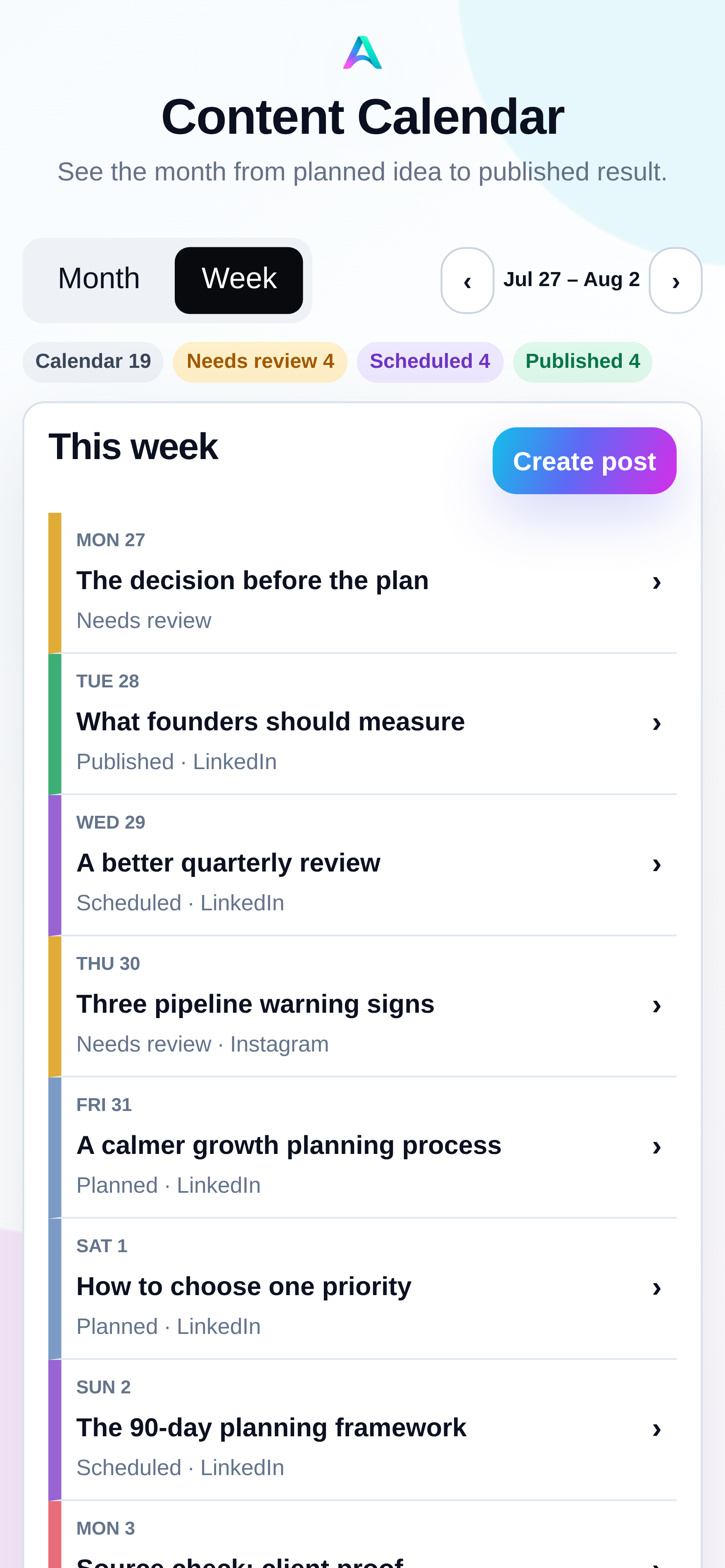
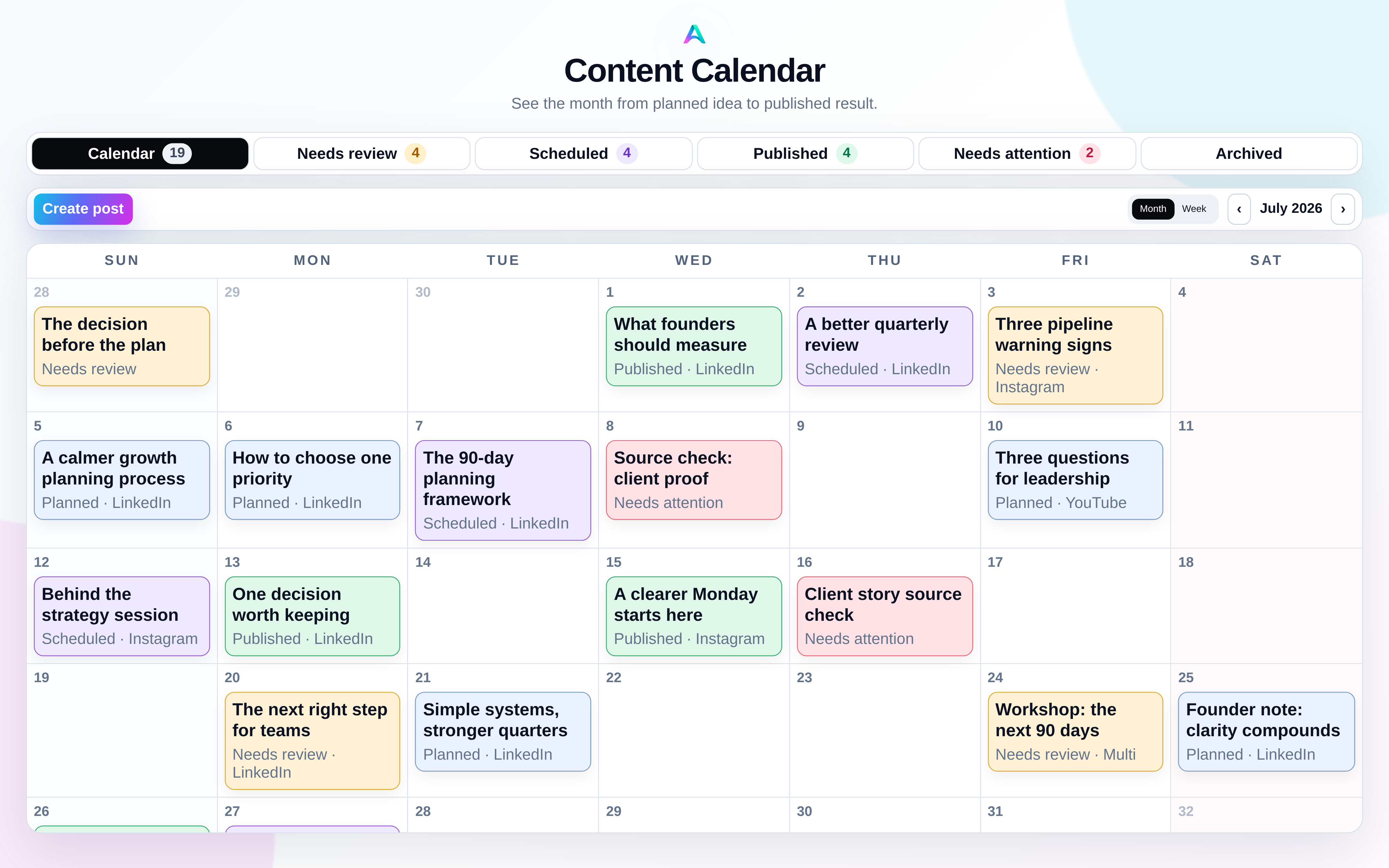
Content Calendar
Calendar keeps prepared ideas, work that needs review, scheduled delivery, published content, and attention states visible without confusing preparation with publishing.
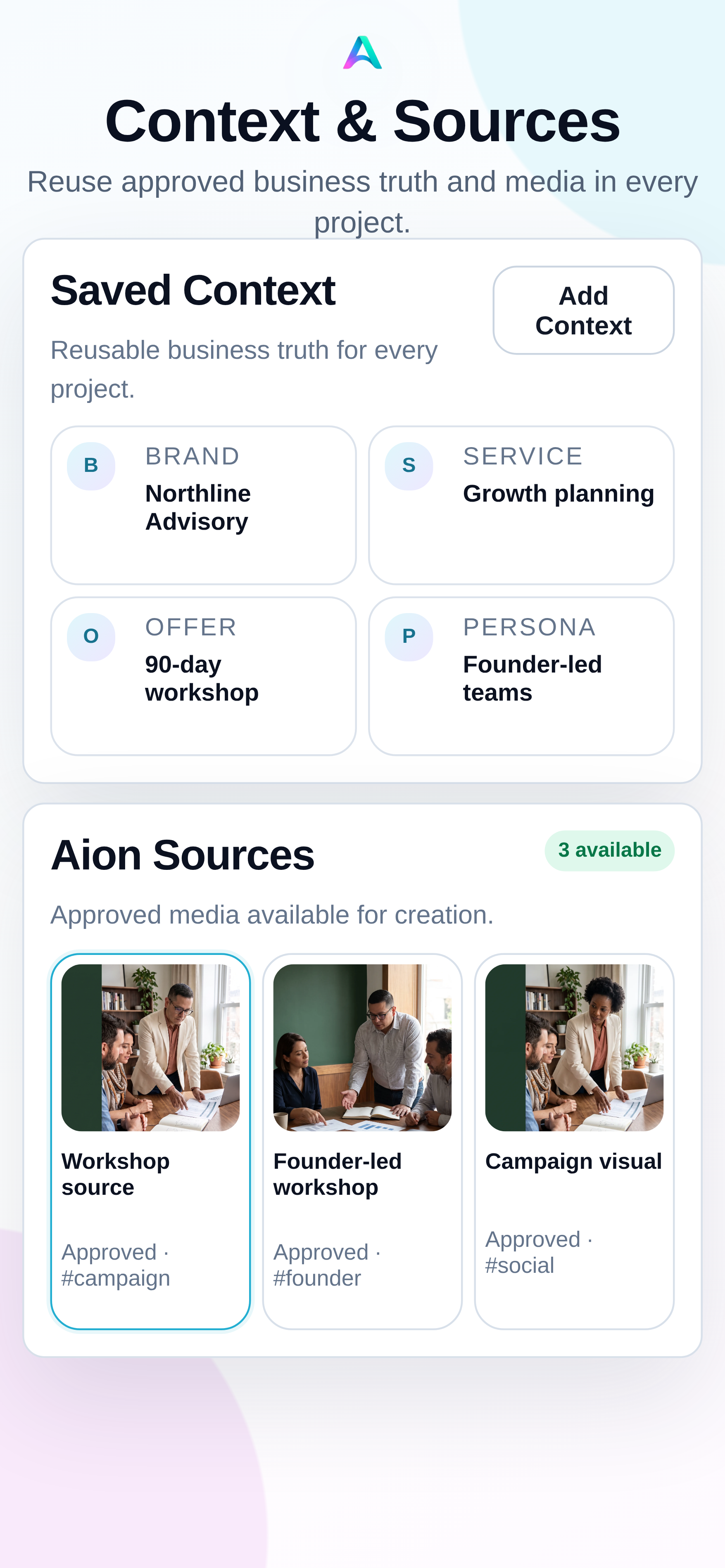
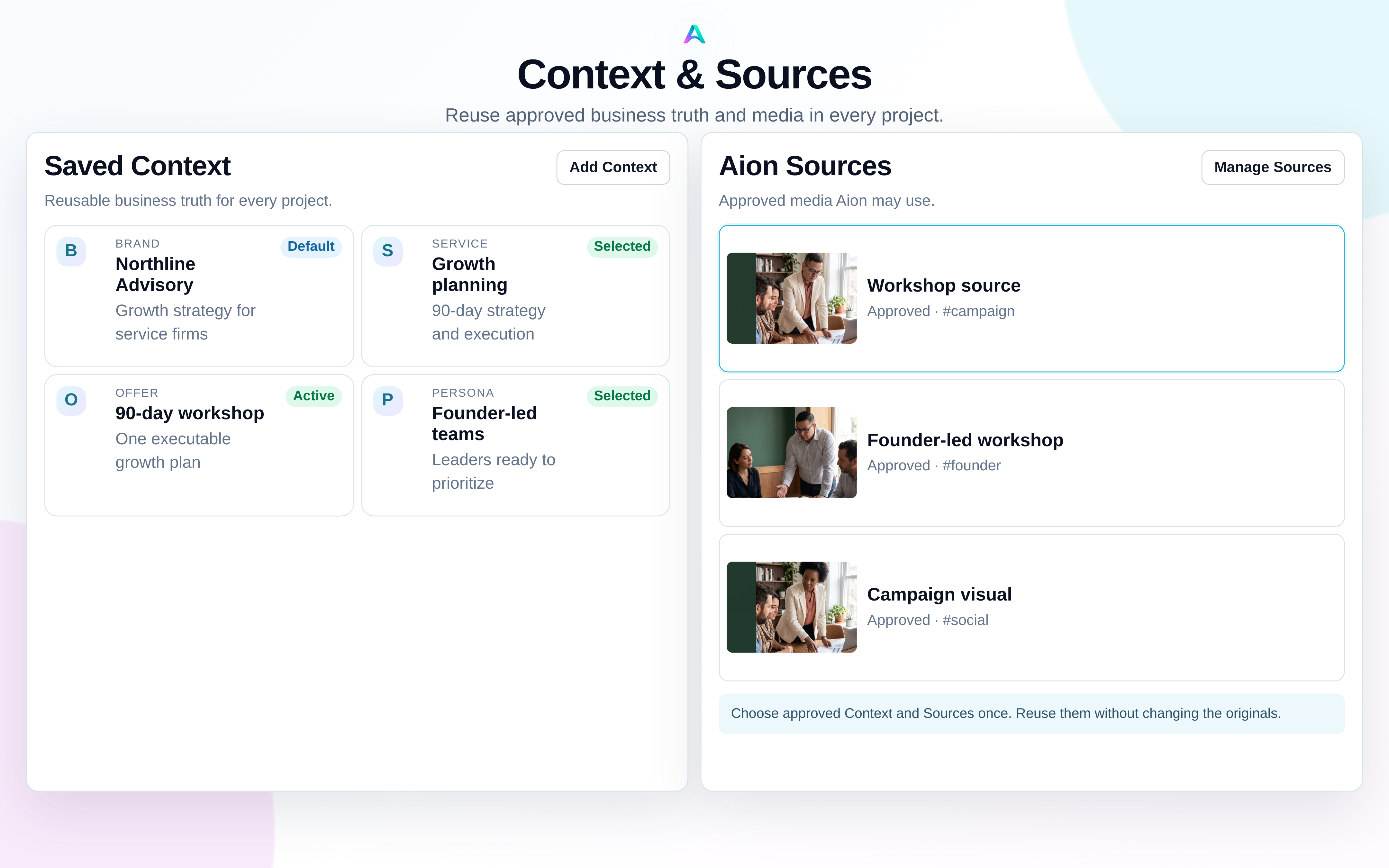
Context, Sources, and Library
Save the Brand, Service or Product, Offer, Persona, Topic, and approved media behind the work once, then carry the exact selection into every project.
Built from your business
Aion remembers the useful parts, so you do not have to rebuild the same prompt every time you sit down to market the business.
Voice, visual style, audience, and what should always feel like you.
Products, services, use cases, and the outcomes customers care about.
Approved examples, claims, references, and media worth reusing.
Topics, launches, timely angles, and the point you want to make next.
You decide what goes live
See the message and media together, make the change you want, and choose when it is ready. Nothing publishes without you.
Northline AdvisoryBefore the next planning cycle, get specific about the customer, the constraint, and the one decision that moves the work forward.
See the channel, media, and caption together. Your decision applies to this exact draft, and nothing publishes until you approve it and choose delivery.
What Aion creates
Start with one useful idea, then build the formats your customers actually see across the week.
Useful copy shaped for the channel and the people reading it.
Finished visual directions with room for accurate brand copy.
A connected set of cards that teaches, proves, or launches one idea.
Vertical creative for product moments, explainers, and faceless stories.
The same campaign adapted without sounding copied and pasted.
Generated and uploaded media stays available for review, comparison, revision, download, and reuse.
Choose the pace that fits
Start with a seven-day workspace trial and use your own media immediately. Paid generation, media-credit purchases, and external delivery appear only after their customer launch gates open.
Create polished, on-brand content when you need it.
Keep a recurring content pipeline ready for review.
Start the workspace trial, or compare the post-trial paths first.